Fused Render
Fused Render is a desktop app that opens your Workbench canvases locally, with the live Workbench embedded next to an AI chat. You ask a coding agent to change a canvas, it edits the files on your machine, and every save is pushed back to the hosted Workbench.
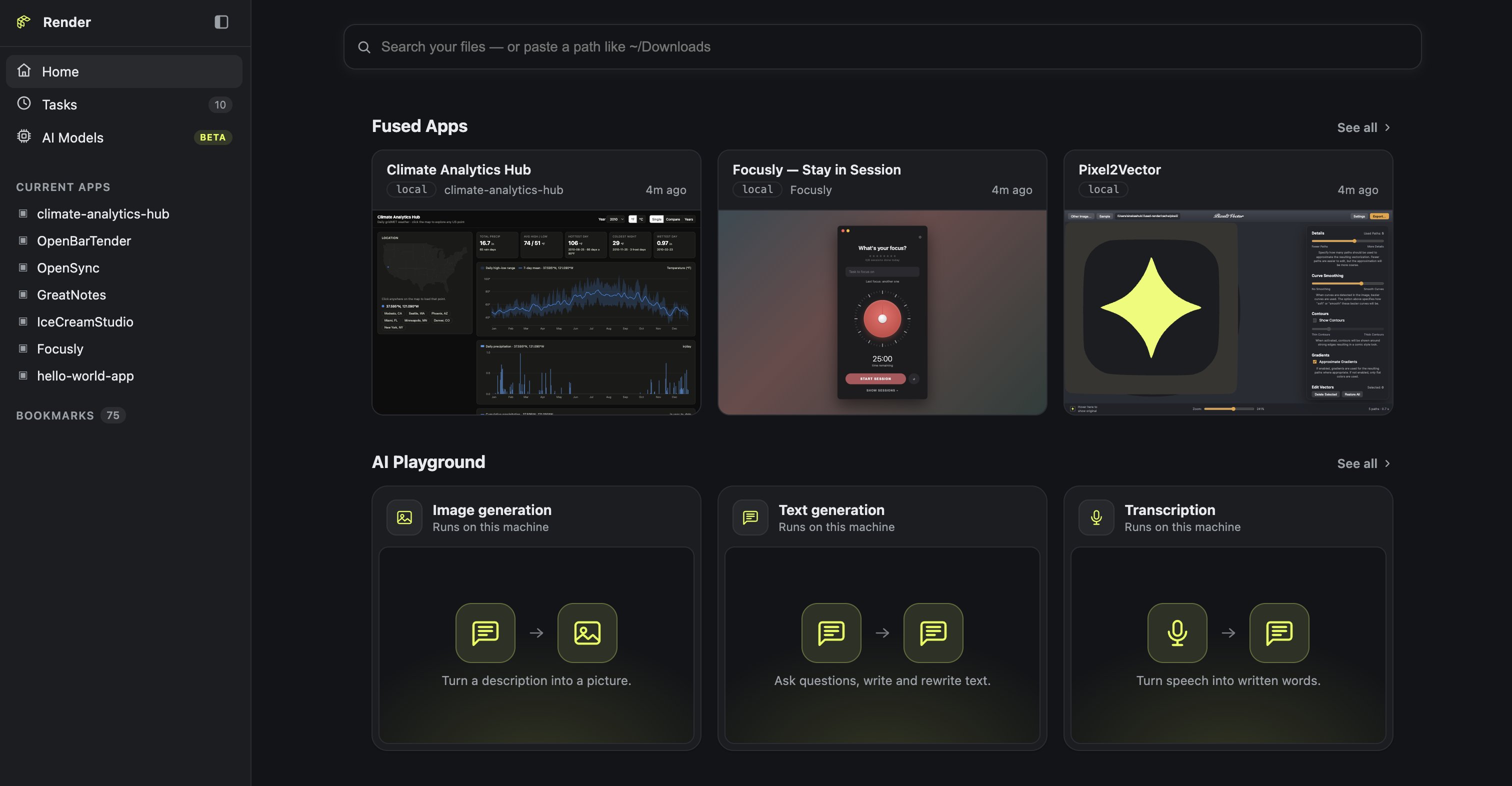
1. Install Fused Render
- macOS
- Windows
- Windows (WSL)
- Linux
Download the .dmg from render.fused.io, open it and drag Fused Render into Applications. The macOS app is built for Apple silicon.
On Windows, Fused Render installs as a Python package with uv. In PowerShell, install uv and add it to the PATH of the current session:
powershell -ExecutionPolicy ByPass -c "irm https://astral.sh/uv/install.ps1 | iex"
$env:Path = "$env:USERPROFILE\.local\bin;$env:Path"
Install and start Fused Render. uv downloads its own Python:
uv tool install --force --python 3.12 "fused-render[cli]"
uv tool update-shell
fused-render
If Fused Render doesn't run natively on Windows, run it inside Ubuntu on WSL. In PowerShell, install Ubuntu:
wsl --install -d Ubuntu
In Ubuntu, install uv with mise, then install Fused Render:
sudo apt update -y && sudo apt upgrade -y
sudo add-apt-repository -y ppa:jdxcode/mise
sudo apt install -y mise
mise use -g uv@latest
echo 'eval "$(mise activate bash)"' >> ~/.bashrc && eval "$(mise activate bash)"
uv tool install --force "fused-render[cli]"
uv tool update-shell
Restart your shell, then run fused-render.
Download the AppImage from render.fused.io, then make it executable and run it. Linux support is in beta, so some features may be missing.
chmod +x FusedRender-*-x86_64.AppImage
./FusedRender-*-x86_64.AppImage
To install it as a Python package instead, use uv:
uv tool install --force "fused-render[cli]"
fused-render
2. Sign in to Fused
You need a Fused account, and an account for each coding agent you use (Claude, GitHub Copilot, ChatGPT or Google).
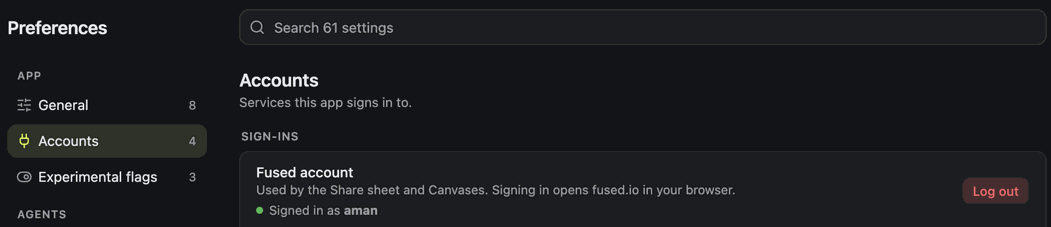
Open Preferences > Accounts and select Sign in on Fused account. Your browser opens fused.io to finish signing in.
3. Turn on Canvases
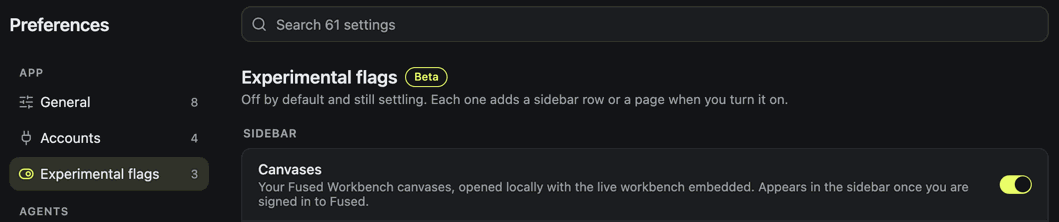
In Preferences > Experimental flags, turn on Canvases to add it to the sidebar.
4. Open a canvas
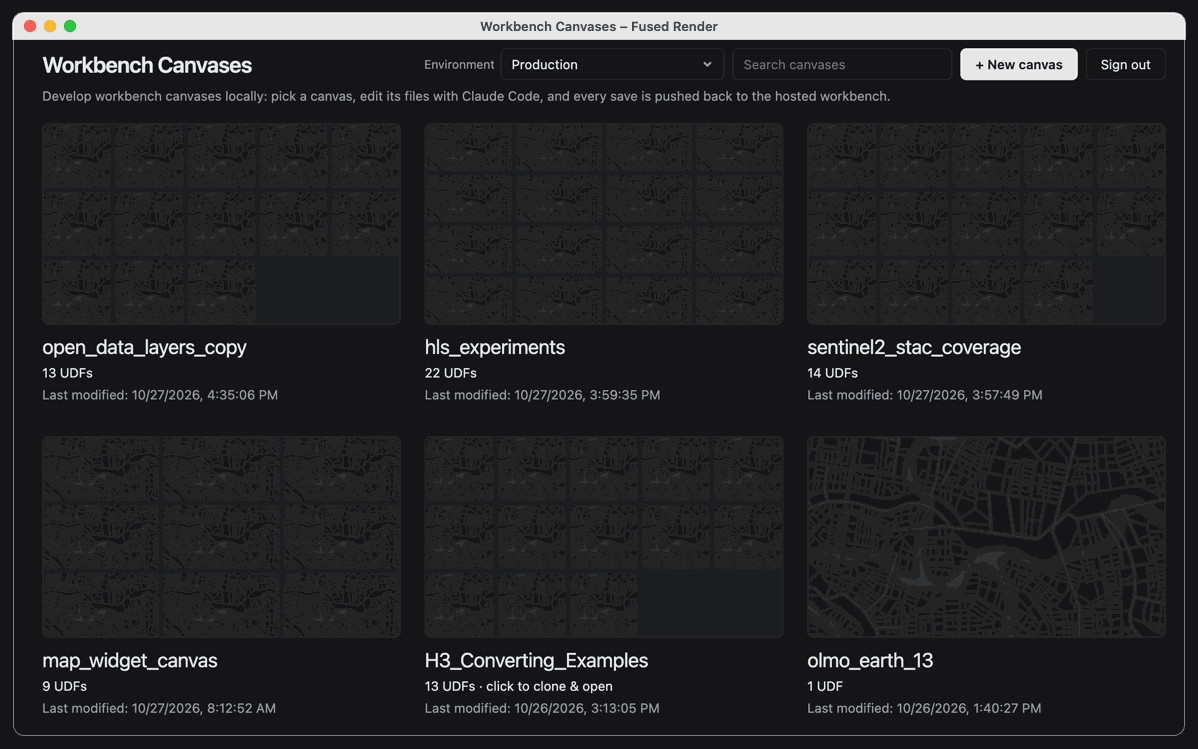
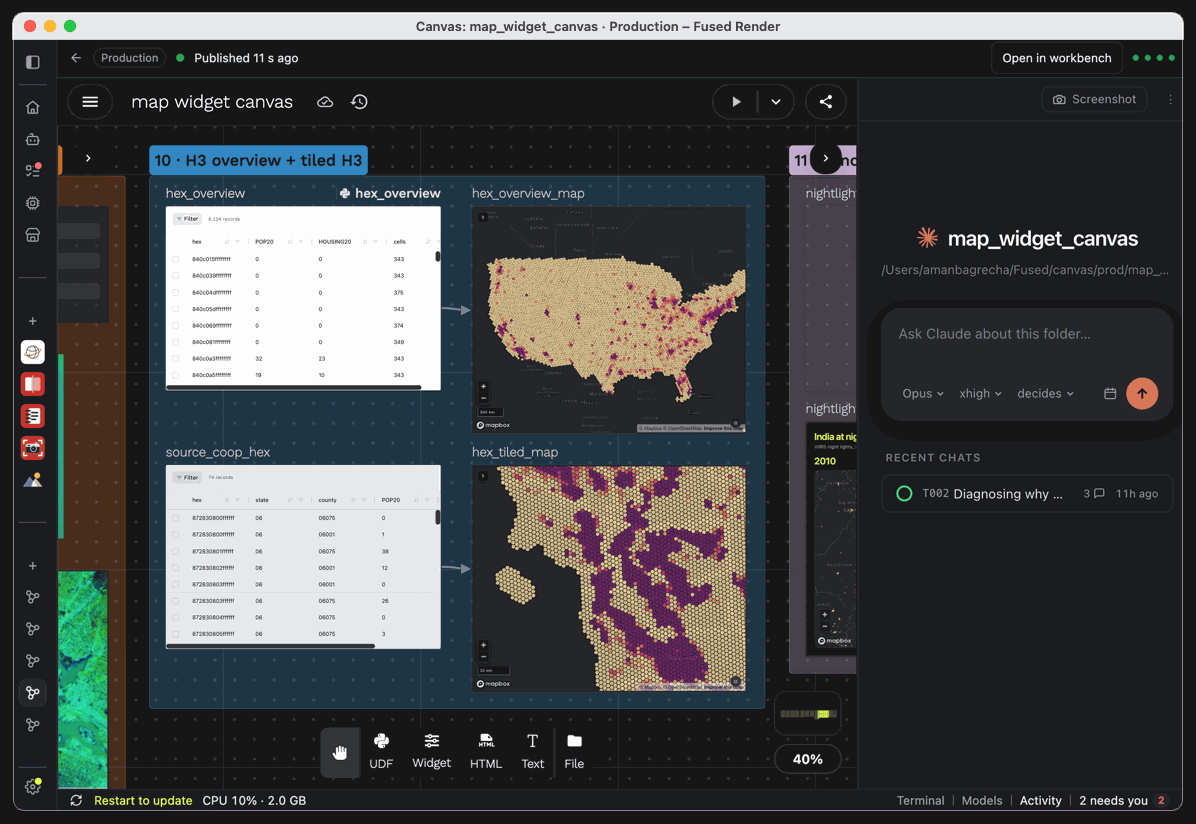
Select Canvases in the sidebar to see every canvas in your Fused account. Pick the Environment at the top, then click a canvas to clone it to your machine and open it. + New canvas creates an empty one.
Ask the agent in the chat for a change, for example "Add a map widget showing the output of hex_overview". When it saves, the top bar shows Published.
5. Choose a coding agent
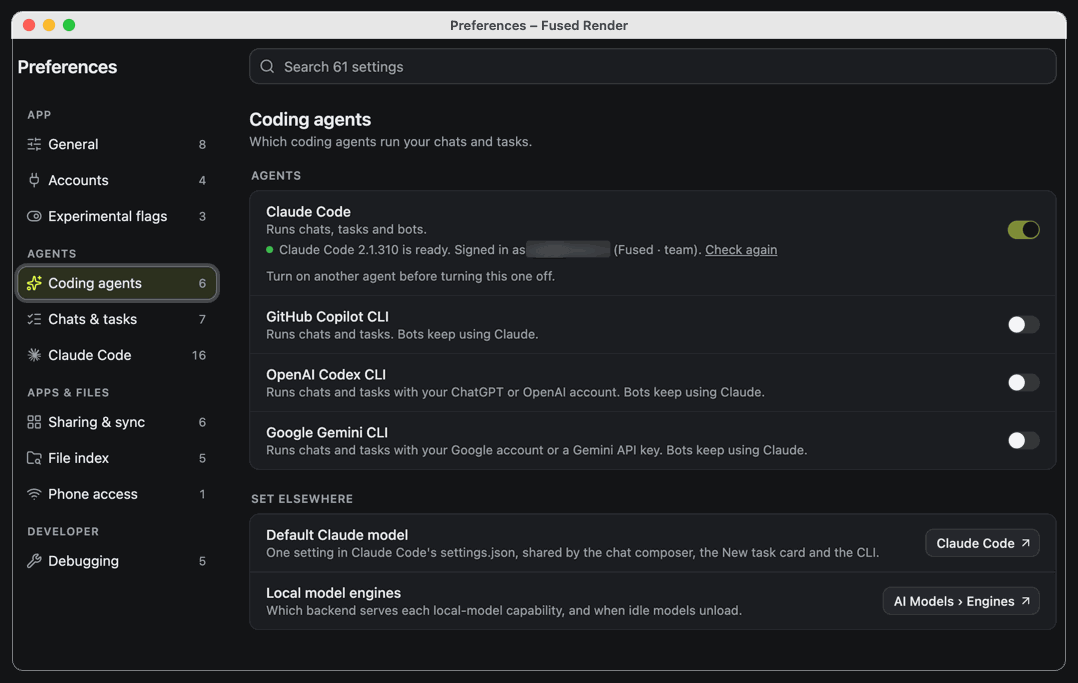
Fused Render uses Claude Code by default. To use another agent, open Preferences > Coding agents and turn on GitHub Copilot CLI, OpenAI Codex CLI or Google Gemini CLI. Chats and tasks then run with that agent. Each agent must be installed and signed in on your machine; the page shows whether it is ready.
To give these agents the Fused skills outside Fused Render, see AI Coding Tools and GitHub Copilot.
Troubleshooting on WSL
To use GitHub Copilot as the agent, install it in Ubuntu, restart your shell, then run copilot, type /login and send a test message to check it works:
curl -fsSL https://gh.io/copilot-install | bash
If a proxy such as Zscaler stops the sign-in page from opening, point BROWSER at Chrome on Windows when you start Fused Render:
export BROWSER='/mnt/c/Program Files/Google/Chrome/Application/chrome.exe'; fused-render